When I first thought about selling online, the store itself looked like the biggest piece of the puzzle. Products, a place to show them, a way to check out. Done. Then the real question shows up, and it's the one the store can't answer: how will anyone find you?
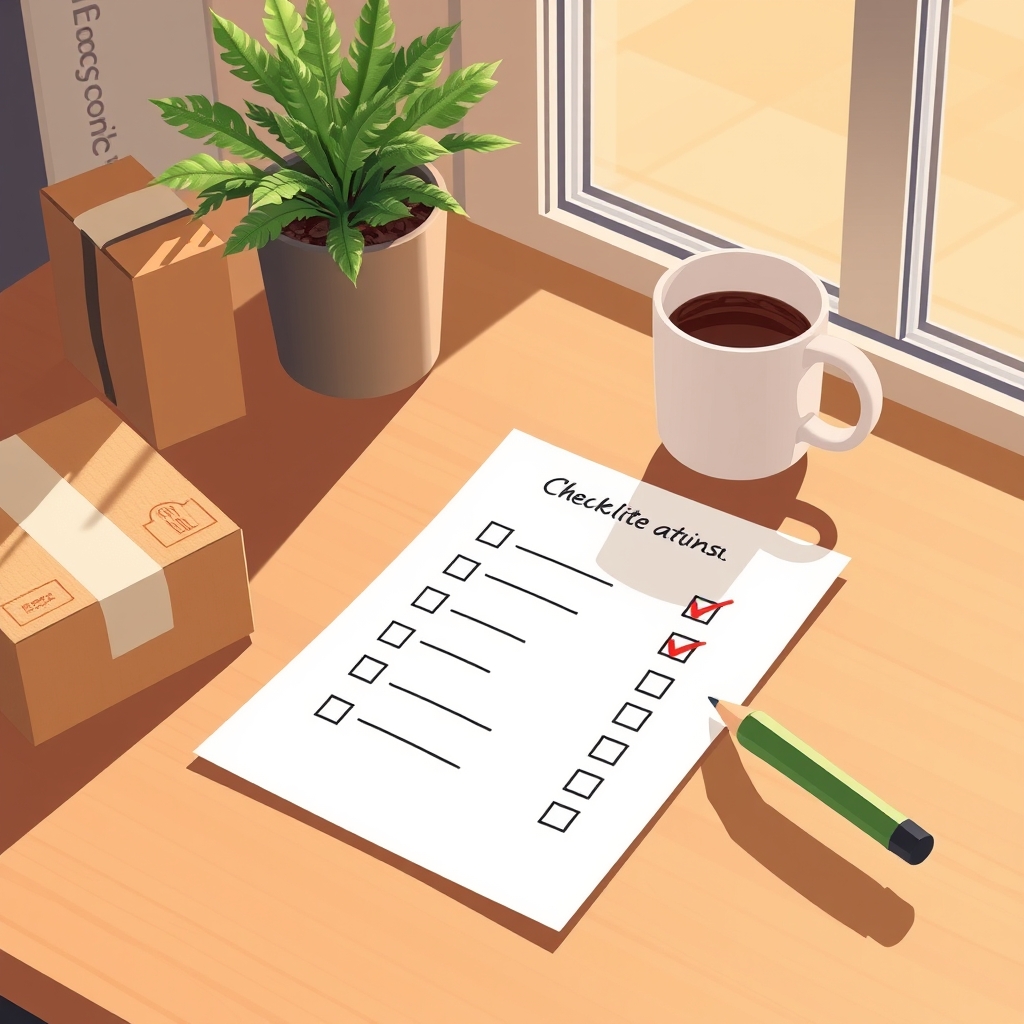
This is the checklist I'd run before a new store goes public. Some of it is boring. A few items will save you from an embarrassing email or a lost order. Most of it costs hours instead of dollars, which is how I'd rather start. And once the store is ready, there's the question of where else it can be seen, which is why I built a place for store owners to list their stores.
Before you build: check the idea and the name
This part comes before any theme or logo, and people skip it because it's less fun than picking colors.
First, the domain name. Look it up before you buy it. Search the name, see what comes back, and ask whether it looks like spam or reads like something that was spam last year. A name that looks cheap to you will look cheap to a search engine and to a shopper who sees it in an email.
Second, the central idea of the store. You want low competition and decent search volume, and you want to check both in more than one place. Different keyword tools give different difficulty scores, so I wouldn't trust a single number. Run the idea through Google Keyword Planner, Ahrefs, Semrush, SEO Review Tools, and Ubersuggest, and see whether they roughly agree. If one says easy and three say brutal, believe the three.
Then Google Trends. You need more than a few spikes. A line that jumps for two weeks and falls back to nothing is a fad, and you'll be stuck holding a catalog for a fad. Look for a shape that holds up over years.
Last, a promise to yourself: give the site at least six months to test the idea. Search takes time. If you judge a niche at week three, you're measuring your patience, not the market.
 List your storeon Ecom Outpost
Clean up the store itself
This is the day-before-launch pass. Quick, but each item matters.
Remove password protection. It sounds silly, but a store left behind a password page is a store nobody can buy from, and it won't get crawled either.
Add your real domain and never launch on the default one. By default, a new Shopify store's primary domain uses the your-store-name.myshopify.com format, and that's not what you want on a business card or in a customer email. Connect your own domain. Budget some patience, because it might take up to 48 hours for your domain to be fully live. Do this early, not at midnight before launch.
Set up email forwarding on the new domain. If you use custom nameservers, take care: custom or external nameservers can cause connection and email problems when they aren't set up correctly. I'd send a test email in both directions before telling anyone the address exists.
Take out the "Powered by Shopify" line in the footer. It's a small thing, and it's your store, not an ad for the platform. Shopify's help page covers how to remove the message, and it also notes that if it still shows after you update the theme content, you may need to find the powered_by_link Liquid tag in the theme code and delete it. Make a backup of the theme before you touch code.
Set up payments and the bank account. Boring, essential, and slower than you'd think, since verification can take its time. Do it before you need it.
Wire up suppliers, shipping, and discounts
If you're dropshipping or using print on demand, install the apps now and test the connection before you add fifty products.
Two examples, so you know what they are and aren't. EPROLO is a dropshipping supplier and platform, strongest in fashion, that handles product sourcing and fulfillment and has a Shopify app. InkedJoy is a print-on-demand app from EPROLO for Shopify stores, with options for custom branding such as labels and packaging. Neither one will make your store make sense. They plug into a store that already does.
One setting I'd put on the list: how long the app waits before it creates tracking numbers. I'd set it to 12 hours in EPROLO and 72 hours in InkedJoy, and I'd check what yours says instead of taking whatever it shipped with. Customers write when tracking is late or missing, and I'd rather answer fewer of those emails.
Then shipping rates. Set them before the first order, not after. If a supplier app doesn't give you rates for some region, borrow the rates from another location you've already set up, so no shopper reaches checkout and finds there's no way to ship to them. A missing rate looks like a broken store.
And discounts. Build the ones you plan to use now, name them clearly, and test them at checkout. A discount code that fails on someone's first visit is a bad way to meet them.
Tell search engines you exist
A new domain is invisible. These steps won't make it visible overnight, and nobody can promise rankings, but they keep it from being invisible by accident.
- In Shopify preferences, write a title and a meta description that say what the store sells in the words a shopper would type. Use AI to draft it if you need a start, then edit it until it sounds like a person wrote it.
- Add the site to Google Search Console.
- Add it to Bing Webmaster too. People forget this one.
- Create the sitemap in Search Console, then ask for the first crawl so Google doesn't have to stumble onto you.
- Add the site to a rank tracker, such as the Chrome rank tracker extension, so in month four you have a record instead of a feeling.
- Install the Google and YouTube sales channels. You can create a Google Ads account from there. I'd create it so it exists, and hold off on spending until the pages convert. More on that in marketing an online store on a small budget.
If you want the longer version of the search side, SEO for beginners goes through it.
Fix email and trust before the first order
This is where small stores look either professional or unfinished.
In your Gmail, delete the category tabs: Promotions, Social, and the rest. Order alerts and customer replies shouldn't sit in a tab you check once a week.
In Shopify notification settings, change the sender email to a support@ address on your own domain. A reply from a free-mail address doesn't build much trust.
Put the logo in the customer notifications, on the account page, and on the checkout pages. Shoppers see those pages more than your homepage, and a plain gray checkout with no brand on it feels like a stranger's.
Turn on both the abandoned cart and the abandoned checkout automations in the marketing section. They're different, and you want both. A shopper who left at the cart and one who left at checkout have different reasons, so I wouldn't treat them as one problem. And don't lean on the emails to cover for surprises. If shipping cost shows up late, fix that first.
Install a review app, and set the review request to go out at least 20 days after the order. Customers need time to get the product and use it. A request that lands the day it ships is asking for an opinion on the package label. Once you have reviews, put the review text widget on the cart page. That's where people hesitate, and a few honest words from another buyer help at that moment.
Last, a few theme settings that take two minutes each:
- Turn on the second image on hover everywhere product cards show up.
- Add a collection to the cart page, with the second image on hover and star ratings showing.
- Do the same on the search results page.
Shoppers get a closer look without a click. It's small, but small things add up when you can't buy traffic.
After launch, wait and then widen the doors
Once the checklist is done, the hard part starts, and it's patience. Six months of watching Search Console, fixing pages, and writing helpful content. Not glamorous. If nobody knows your brand yet, how to promote a small online store when nobody knows your brand is a decent next read.
In the meantime, think about where else a shopper could run into your store. For my own launch of Ecom Outpost I've been working out what I can accomplish with free or nearly free marketing, and being deliberate about what deserves a budget. I'm not against paid advertising. I just don't want spending to stand in for understanding what I'm offering and who it helps.
That's the same reason I built the site. I've sold on eBay and Amazon, and I know the difference between running a store and running one somewhere people are already looking. Ecom Outpost is for independent stores that want a second door. Shoppers find stores and products there and click through to buy on the store's own website, so you keep your checkout and your customers.
The details, so you can decide for yourself: stores connect through the Ecom Outpost app for Shopify, billing goes through Shopify, and there's no long-term contract. Every plan has a store profile and store search. Getting your products into search and departments needs a plan that includes product discovery, and the analytics, so you can see views and clicks, come with the plans that include them. I won't promise traffic or sales. I'd rather say it plainly: it's one more place to be found, and the work on your own store still matters most.
If that fits, you can list your store when your launch checklist is done. If it doesn't, finish the checklist anyway. Every item on it is yours to keep.